
|
Newsletter
Monthly product updates & tips - May 2026
|

|
Welcome to our May edition of the Job Tracker Pro newsletter - here we 'spotlight a time-saving feature' you may not be aware is available, and we'll give a brief update on any changes recently made!
🌟 Featured Feature
Cloning rules - for jobs or quotes
Running a busy service business often means creating the same or similar jobs and quotes, again and again.
With Job Tracker you can clone a job or quote at the touch of a button, and also create rules to determine what information is copied across or inserted by default on cloned jobs or quotes.
It is important to note that these setting are the same for all users so be sure to make sure you know how changes you make might affect your colleagues. Discover Now |
🆕 Latest Updates
|
|||||
|
|||||
|
|||||
|
Want to know more... If you would like further details on any of the above features, call us on 01255 830113 or email support@jobtracker.co.uk If you have suggestions for quick time-saving actions or features you'd like to see developed, please let us know. We strive to continually develop the software to help you keep your business streamlined and successful. |
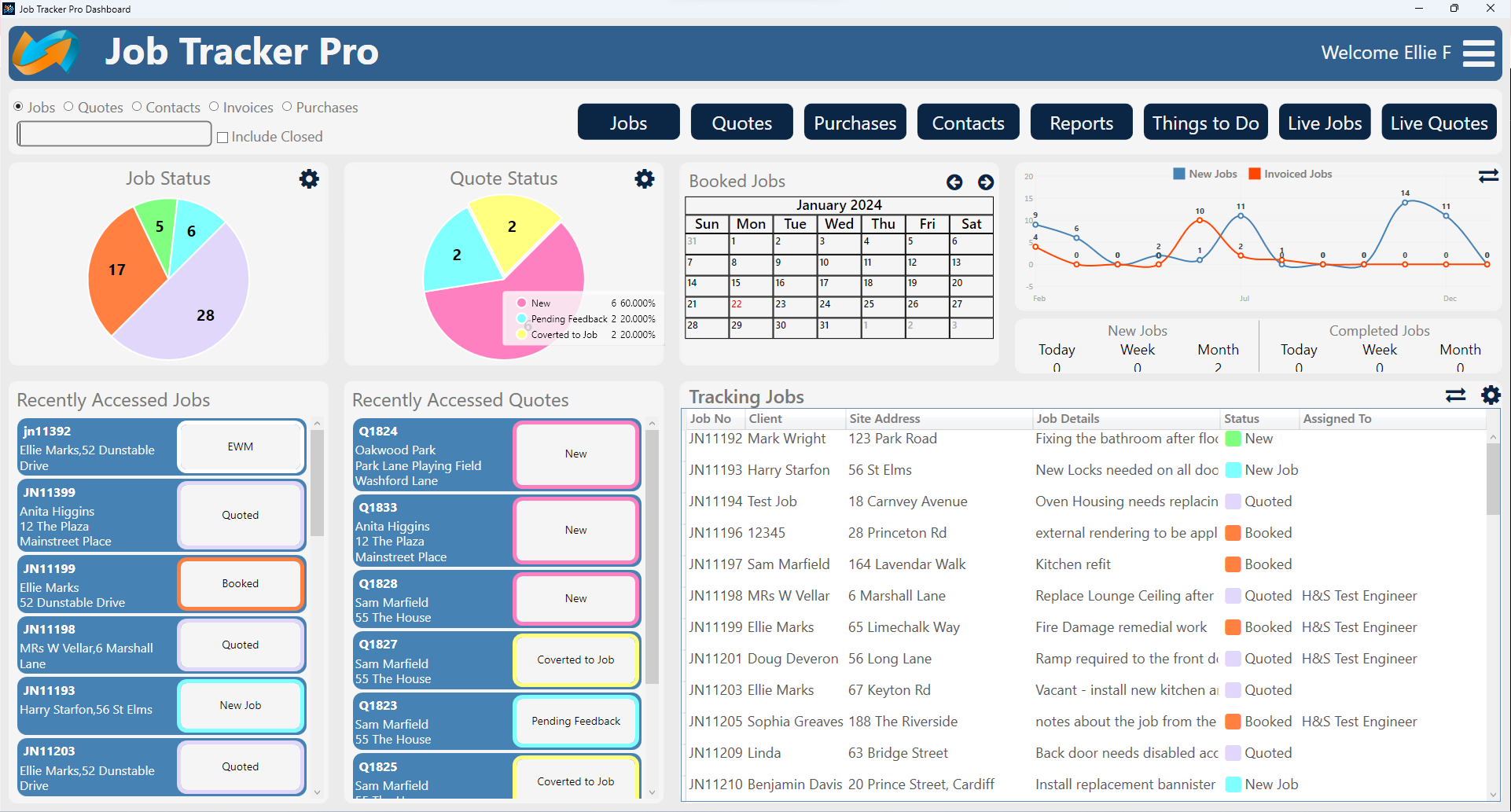
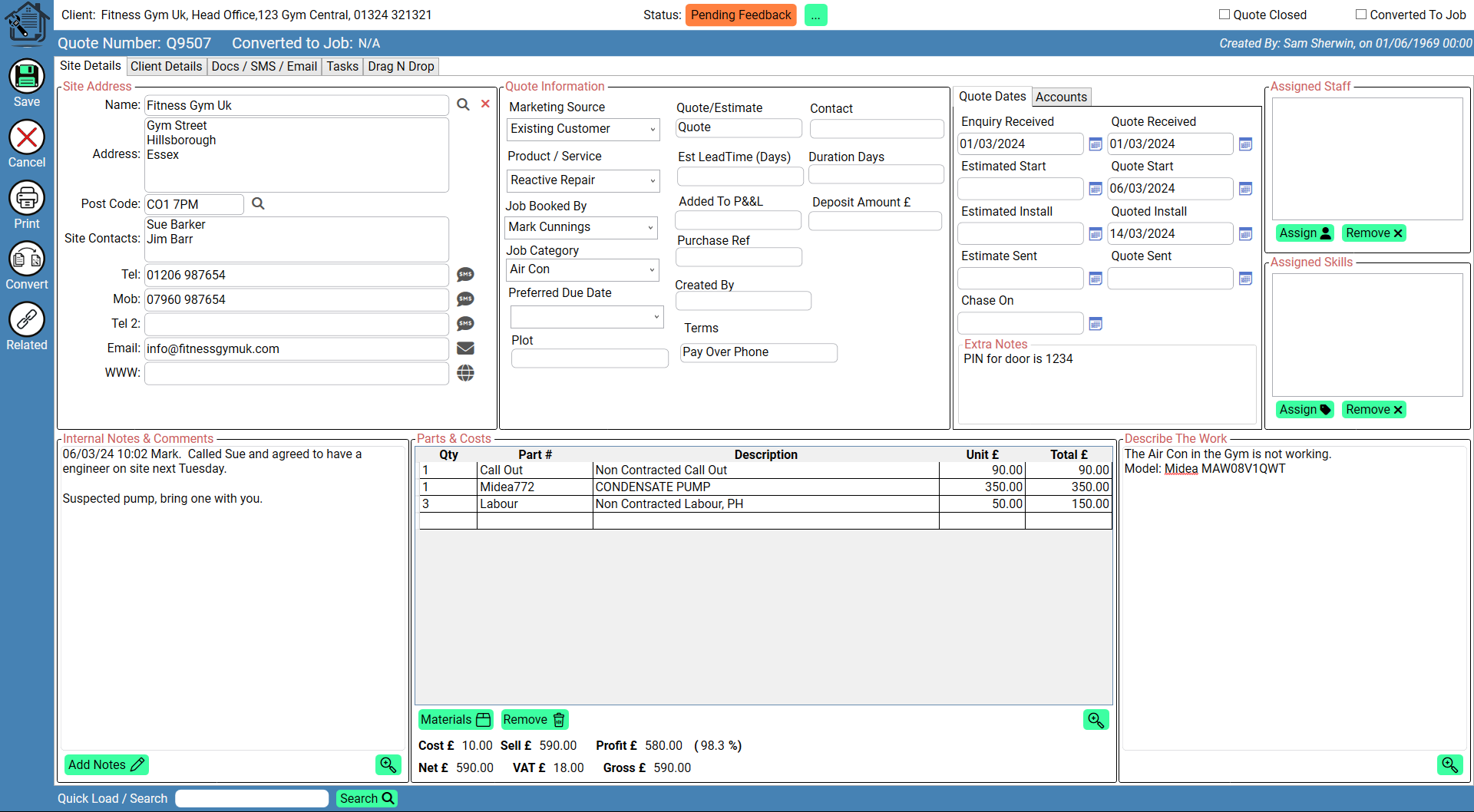
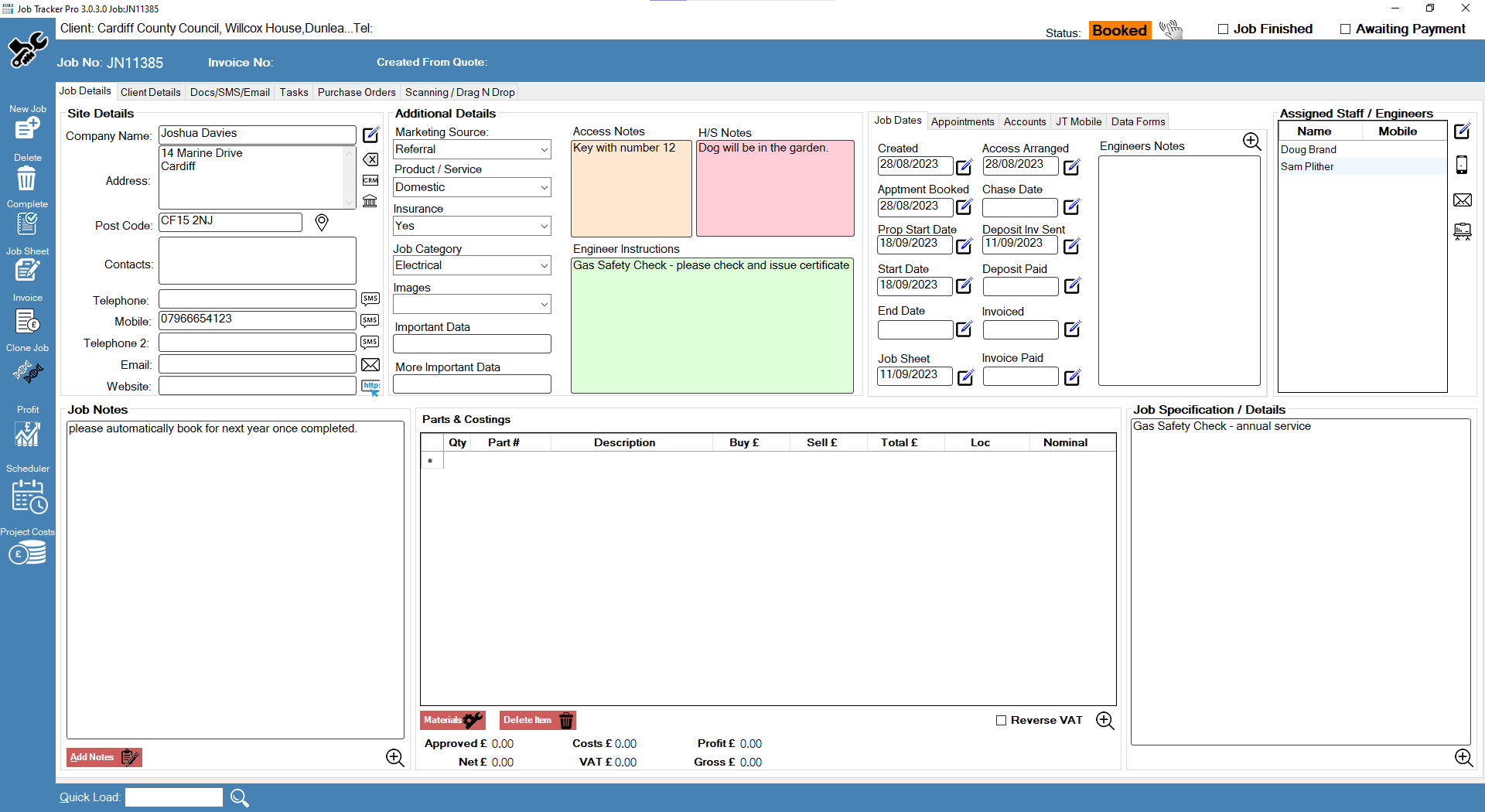
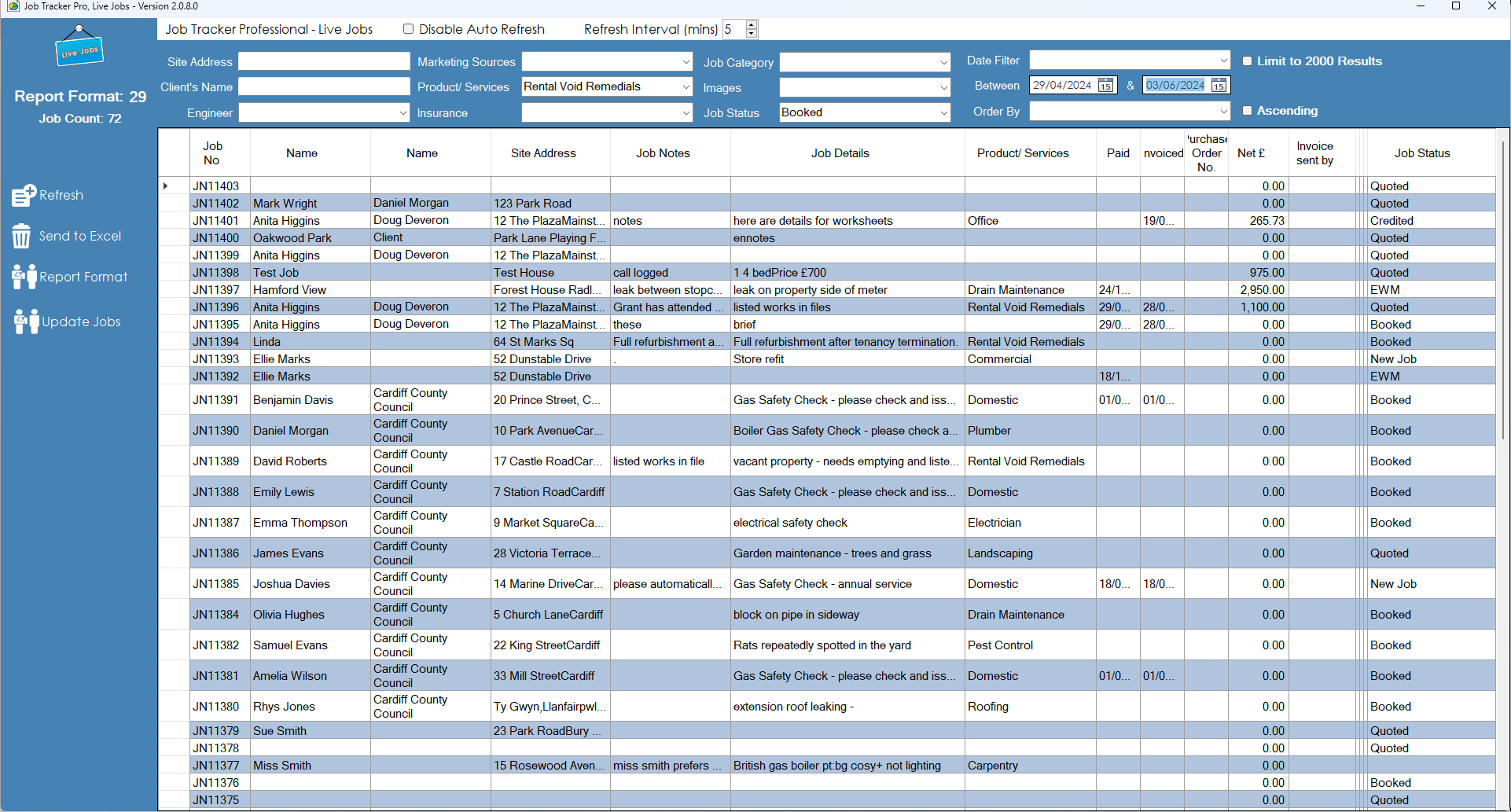
💙 Love using Job Tracker?If you’re enjoying Job Tracker Professional, we’d really appreciate it if you could recommend us to friends and other organisations who may benefit from improving the way they manage their job tracking and scheduling. We’re also always happy to discuss bespoke modifications to help tailor Job Tracker to your specific procedures, workflows and business needs. Talk to us about your requirements |
© 2026 Job Tracker Professional • All Rights Reserved